

My desk sits against the wall in what used to be our guest room, and for two years the space behind my monitor looked like a plate of spaghetti. A power strip, a monitor cord, a laptop charger, a lamp cord, and whatever my daughter had plugged in that week for her tablet. I would drop a pen back there and just leave it, because reaching in meant untangling three other cords first.
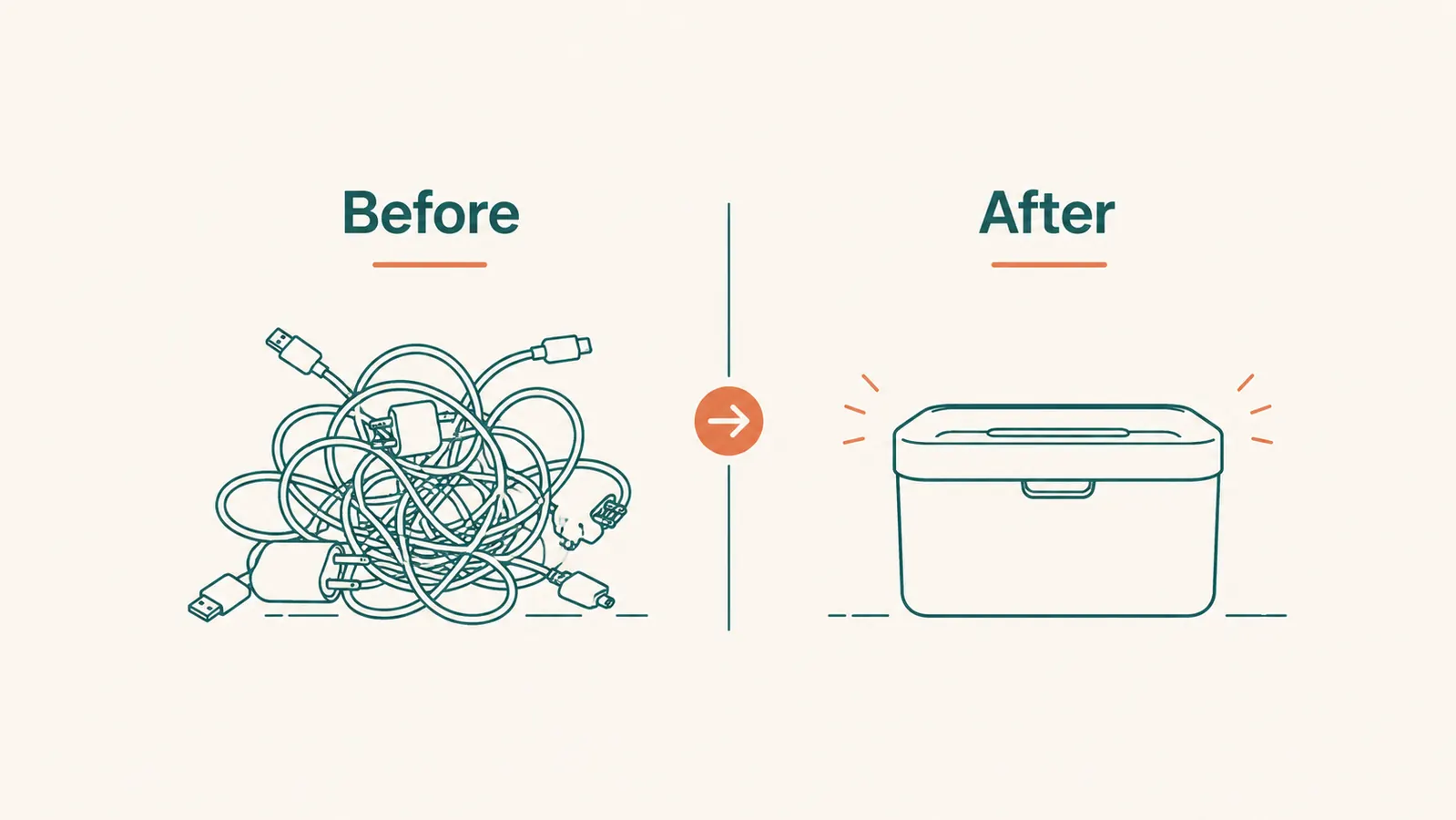
The fix ended up being a lot simpler than I expected. A D-Line cable management box, the kind that just wraps around the power strip and closes like a lid, and the whole mess disappeared behind one clean cream-colored rectangle. Here are ten specific reasons that one box changed how my desk actually functions, not just how it looks.
Tired of stepping around a nest of cords every time you sit down to work?
The D-Line cable management box wraps around your power strip and cords in one snap-together shell. No tools, no drilling, just a clean rectangle where the tangle used to be. Rated 4.5 stars across nearly 14,000 reviews.
Amazon Check Today's Price on Amazon →It Swallows the Power Strip Whole
The power strip is usually the ugliest part of any desk setup, a black rectangle with a red light and six things plugged into it. The D-Line box is sized to slide right over a standard power strip, so instead of seeing the strip itself, you see one smooth cream-colored case. I did not realize how much visual noise that one object was creating until it was gone. My eye used to land on the power strip every single time I looked toward my desk. Now it lands on nothing, because there is nothing there to notice.

Two Cord Entry Points Stop Cables From Crossing the Floor
The box has openings on each end, so cords come in on one side and the wall plug goes out the other. That sounds small, but it means cords stop crisscrossing the floor in random directions the way they do when everything just spills out from under a bare power strip. Every cable now has a defined path, in one end, out the other. My daughter's tablet charger and my monitor cord used to cross paths under the desk constantly. Now they run in parallel and never touch.
The Vented Shell Keeps a Loaded Power Strip From Overheating
I was nervous about this one before I bought it. Six things plugged into one strip, then boxed in, sounded like a fire hazard. But the D-Line box has ventilation slots built into the shell, so air still moves through even with the lid closed. I have run my full desk setup, monitor, laptop charger, and desk lamp, through this box for over a year with no heat buildup I could ever feel on the case. That airflow is the detail that made me comfortable using it daily.
It Blends Into Furniture Instead of Screaming 'Tech Gear'
A lot of cord solutions look like they belong in a server room, black plastic sleeves, zip ties, mesh tubing. The D-Line box comes in a plain cream or white finish that reads more like a small storage box than an electronics accessory. Sitting against my white baseboard, it genuinely disappears. If you have a light-colored desk or wall behind your setup, this matters more than it sounds like it would. It is the difference between a cord solution you have to explain and one nobody notices at all.
Setup Takes Ten Minutes and No Tools
The box comes in two halves that snap together around the power strip like a clamshell. There is nothing to screw, glue, or drill. I set mine up on a Sunday afternoon while my coffee was still hot, and I was done before it went cold. If you have ever put off a home project because it meant digging out a drill and finding the right bit, this is the opposite of that. You unbox it, wrap it around your existing power strip, and press the two halves shut.
I did not realize how much visual noise that power strip was creating until it was gone. My eye used to land on it every single time I looked at my desk.
Curious Hands and Paws Cannot Get to the Outlets Anymore
My youngest is out of the toddler stage, but our cat is a different story. She used to bat at loose cords behind the desk constantly, and I would find chewed-on charger cables at least once a month. With the box closed, there is nothing dangling for her to grab. If you have a curious pet, a crawling baby, or a toddler who thinks unplugging things is a fun game, closing off access to the cords and outlet themselves is worth more than the tidiness alone.
The Floor Under Your Desk Stops Collecting Dust Bunnies
Loose cords are basically dust magnets. Every strand that touches the carpet or the floor picks up hair, lint, and whatever else drifts under the desk, and it is nearly impossible to vacuum around a tangle without unplugging everything first. With the cords contained inside one smooth box, I can run the vacuum right up next to it in about thirty seconds. I used to avoid cleaning under my desk for weeks at a time because it was such a hassle. Now it is just part of the regular pass through the room.

One Box Works in More Places Than Just the Desk
I bought my first one for the desk, then ended up ordering a second for behind the TV stand in the living room. Same problem, same fix. It handles the streaming box, the router, and the soundbar cords just as easily as it handles my monitor and laptop charger. Once you see how much cleaner one spot looks, it is tempting to find every other tangle in the house and box it up the same way.
Video Calls Look More Put Together
I work from home a few days a week, and my desk sits in the background of nearly every video call I take. A tangle of cords behind my head used to be part of the frame whether I wanted it there or not. Once the cords were boxed away, my whole workspace read as calmer on camera, without me having to buy a ring light or a backdrop or anything else. Sometimes the fix for looking more professional on a call is just cleaning up what is actually visible behind you.
Adding a New Device Does Not Undo Any Progress
The part I appreciated most after a year of use is that the box does not fall apart when your setup changes. I have added a second monitor, swapped laptop chargers twice, and plugged in a new desk lamp, and every time I just popped the lid open, fed the new cord through the same opening, and closed it back up. None of that required redoing the whole system. It just absorbs whatever gets added, which is the difference between a real fix and a one-time cleanup that slowly falls apart.
What I'd Skip
I tried a cheap fabric sleeve before this box, the kind that just zips around a bundle of cords like a fabric tube. It looked fine in photos, but it did nothing for the power strip itself, which still sat there exposed with its blinking light. I also tried a wire mesh basket that mounts under the desk, and while it kept the power strip off the floor, it did not hide anything, it just relocated the mess a few inches higher. If you want cords contained and out of sight, look for something with a solid closed shell and actual ventilation, not just a sleeve or an open basket. Those solve half the problem and leave you doing the project again in six months.
For the full story on how this box has held up over time, see the long-term review of three months behind my TV stand, or the step-by-step guide to hiding TV cords if your mess is in the living room instead of the desk.
Ready to stop seeing that power strip every time you sit down?
The D-Line cable management box is the one I have used at both my desk and behind the TV stand for over a year now. Snap-together shell, ventilated design, and a finish that actually blends into a room instead of looking like office equipment. Check the current price and see if it fits your setup.
Amazon Check Today's Price on Amazon →